Breadcrumb
I capture countless screenshots as digital breadcrumbs for later, including articles, products and design inspiration. Unfortunately, these usually disappear into a crowded camera roll. Breadcrumb is my solution to this problem, designed to make every capture organized and actionable.
The Concept
Inspired by the PARA method for digital organization, Breadcrumb uses on-device AI to analyze screenshots the moment they are taken. By running models locally on the phone, the app can understand the context of an image without ever sending personal data to a server.
Visual Direction
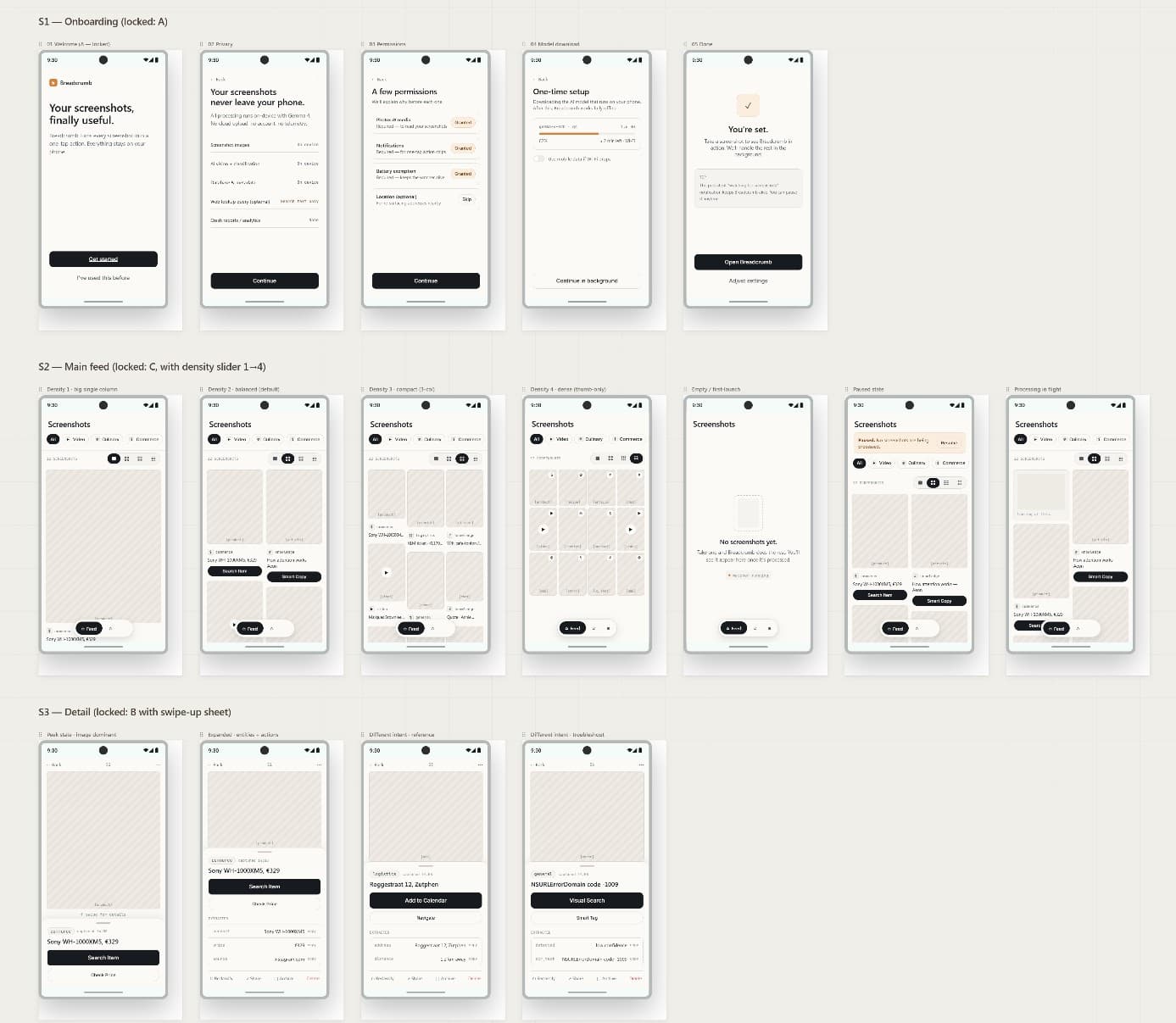
Before touching the code, I used Claude Design to prototype the entire user journey. This produced a complete design system covering typography, color and component patterns that now guides every development decision.
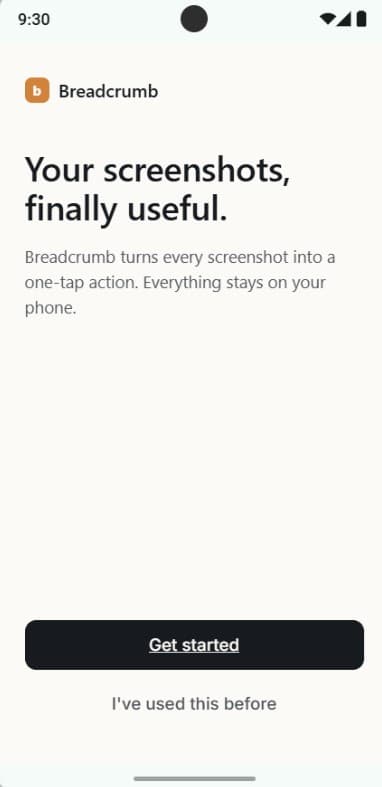
Onboarding: permissions, Gemma 4 install and setup
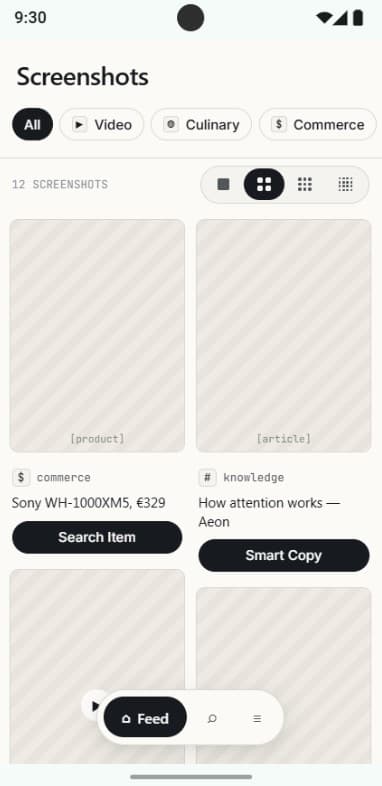
The intent-based feed and screenshot gallery
Intelligent Sorting
The app automatically categorizes captures into specific intents. This allows for immediate actions like opening a store link, saving a recipe, or documenting a receipt through notification chips.
Core Intents
- • Buy: products and wishlists
- • Read-later: articles and threads
- • Document: receipts and contracts
- • Reference: addresses and instructions
- • Inspiration: design and photography
- • Troubleshoot: error messages
- • Share: content for others
Local First
Privacy is the foundation of the project. By using Gemma 4 on-device, all image processing happens via the local GPU. This ensures that your personal information and screenshots never leave your hardware.